
For USB or 3.5 mm PC audio, choose the Creative Stage Pro: $149.99 at Newegg, September 24, 2026; 80.7 mm tall. Optical reaches all five bars (Sonos needs an adapter). HDMI ARC needs a compatible display; only the Samsung HW-Q600C takes GPU HDMI directly, $597.99 from Video & Audio Center at Newegg.
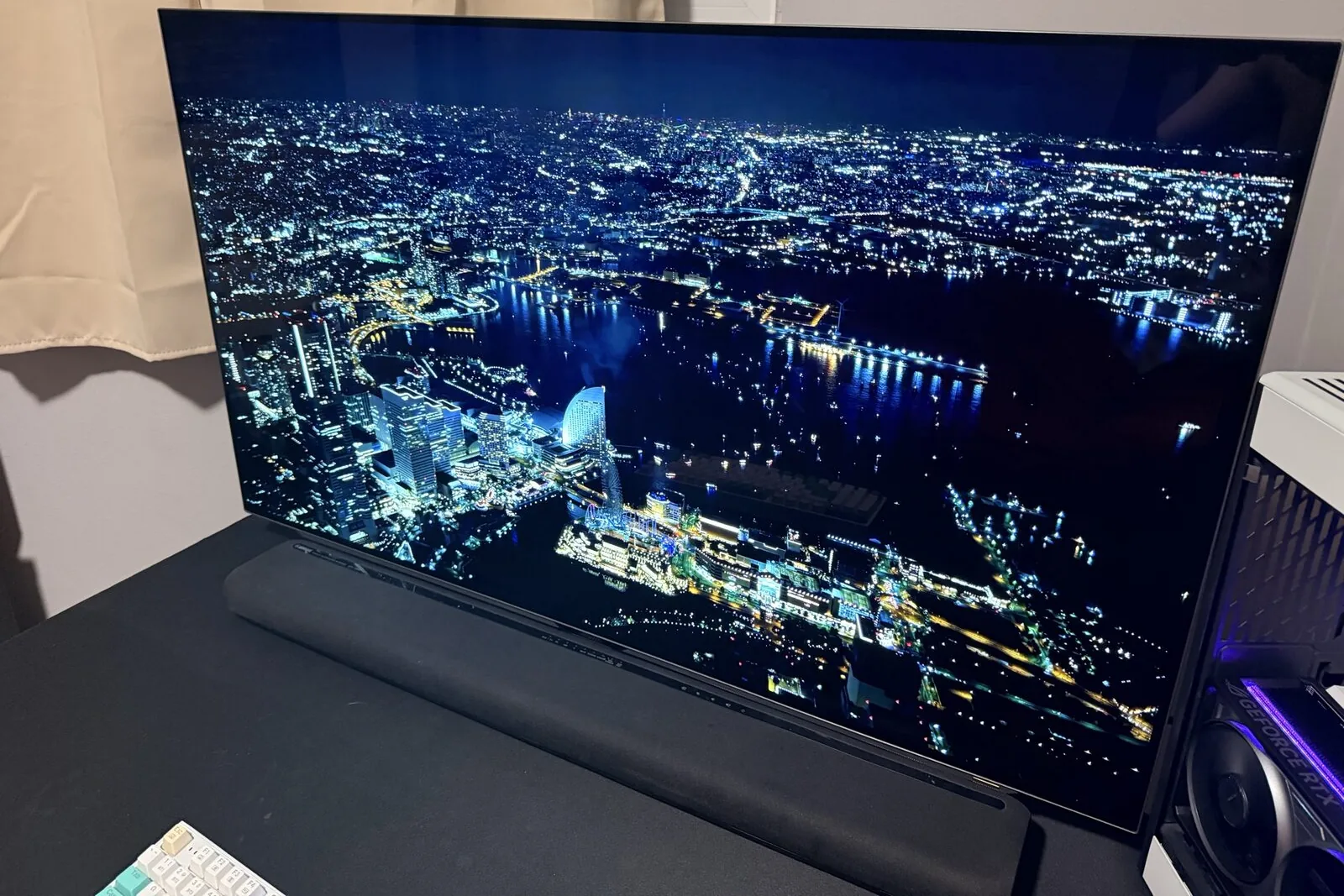
By LK Wood IV · Published 2026-06-07 · Updated 2026-09-28 · St. Louis County, MO
Start from the audio output your PC or monitor already has. USB only, or a 3.5 mm headphone jack: the Creative Stage Pro is the one bar here that takes either directly, $149.99 sold by Newegg on September 24, 2026. It runs from its own power adapter. Motherboard optical: every bar but the Sonos Arc Ultra takes it as is. The Sonos needs a $25 adapter.
A GPU HDMI port and no display with ARC: only the Samsung HW-Q600C has an HDMI input, $597.99 from Video & Audio Center, a Newegg marketplace seller, that day. Measure under your monitor first. The first table gives every bar’s height and how its width compares with a 24-, 27- or 32-inch screen. The same two checks, your PC’s output and the room under the monitor, apply to any bar sold as a PC speaker bar or a desktop speaker bar.
Prices, read September 24, 2026, replace the June 7, 2026 snapshot this page carried until then; the Stage Pro was $149.99 at Newegg, sold by Newegg itself. The Samsung HW-Q600C was $597.99 there from a marketplace seller, Video & Audio Center, with free shipping.
The Sonos Arc Ultra was $1,099 at sonos.com. Newegg does not list it. Bose says it sold the Smart Soundbar 300 from 2020 to 2024, and the bose.com listing I found is the Bass Module 500 bundle, $789.00 behind a Notify me button. Yamaha’s US page shows no price for the SR-B30A, and Newegg does not list it.
Choose a PC soundbar by the job it must do
For an under-monitor or small-desk setup, start with the cable you can actually connect and the space around the stand. “Best soundbar” is too broad until those two constraints are known. The comparison below is for a computer desk; it is not a historical best-of-2021 or best-of-2022 list.
| What you need | How to use this comparison |
|---|---|
| USB soundbar for a desktop PC | Creative documents USB audio for Stage Pro. Check that the port says audio, not service, update, or music-file playback. |
| Soundbar with a subwoofer | Measure space for both cabinets and the cable route. Stage Pro’s separate sub needs its wired connection; a bar that fits does not establish that the whole system fits. |
| A small bar under a monitor | Use the dimensions and monitor-width table, then measure the actual stand, screen height, and keyboard clearance. Screen diagonal alone is not clearance. |
| Budget or gaming use | Compare the input path you will use and a current delivered price. The dated prices below are historical observations, not today’s checkout totals. |
| Soundbar versus separate PC speakers | Decide whether one cabinet under the screen or two cabinets beside it fits your workspace. This article has no matched listening test to declare either layout the better-sounding choice. |
“Best sounding” needs listening evidence that a connection table cannot supply. I have not auditioned these bars, so the recommendations here stop at documented connectivity and fit. For gaming, they also do not establish measured latency over USB, optical, HDMI, or Bluetooth. Compare those measurements before paying extra for a claimed gaming advantage.
The manufacturer links in each entry are the place to confirm ports and installation requirements. Keep those requirements separate from the September 24 price snapshot below; this October clarification does not refresh the retail checks.
How these picks were chosen
I kept the four TV bars from the June shortlist and added the Creative Stage Pro, the only bar in the set that takes USB audio or a 3.5 mm cable from a PC. I re-read every manufacturer page and manual linked below on September 24, 2026, and judged each bar on cabinet size, the outputs a PC or monitor actually has, and the extra hardware each path needs. I have not listened to any of the five at a desk. Nothing here ranks sound.
Will it fit under a 27-inch or 32-inch monitor?
Measure the opening, not the diagonal. A central pedestal, spread feet, a riser and a monitor arm leave different spaces under the same screen size. Measure desk-to-bezel height, the clear width between the stand’s feet and the usable depth in front of the pedestal, and leave room for plugs.
A 16:9 panel is 20.92 in wide at 24 inches, 23.53 in at 27 and 27.89 in at 32 (diagonal × 16 / √337, the geometry in the monitor size calculator, which does other sizes and ratios). A bar wider than the panel is not a problem by itself; the stand decides whether that width is clear.
| Bar and dimension source | Width × height × depth | Height, for the gap under the bezel | Width against a 16:9 panel | Placement the maker specifies |
|---|---|---|---|---|
| Creative Stage Pro | 550 × 80.7 × 112.1 mm (21.65 in wide) | 80.7 mm (3.18 in), taller than the four TV bars at 56 to 75 mm | Wider than the panel by 0.74 in at 24; narrower than the panel by 1.88 in at 27 and 6.24 in at 32 | Wired subwoofer, 115 × 265 × 420 mm, on a tethered 2 m cable |
| Sonos Arc Ultra | 1,178 × 75 × 110.6 mm (46.38 in wide) | 75 mm (2.95 in); at least 6.95 in (177 mm) from desk to bezel with Sonos’s gap | Wider than the panel by 25.46 in at 24, 22.85 in at 27, 18.49 in at 32 | At least 4 in (10 cm) from bar top to screen bottom |
| Bose Smart Soundbar 300 | 27.36 × 2.20 × 4.06 in | 56 mm (2.20 in) | Wider than the panel by 6.44 in at 24 and 3.83 in at 27; narrower than the panel by 0.53 in at 32 | Back at least 0.4 in (1 cm) from any surface |
| Yamaha SR-B30A | 910 × 68 × 133 mm tabletop (35.83 in wide) | 68 mm (2.68 in) | Wider than the panel by 14.91 in at 24, 12.29 in at 27, 7.94 in at 32 | Wall-mount figures differ: 910 × 66 × 139 mm |
| Samsung HW-Q600C | 1,030 × 57 × 105 mm (40.55 in wide) | 57 mm (2.24 in) | Wider than the panel by 19.63 in at 24, 17.02 in at 27, 12.66 in at 32 | At least 1.2 in (3 cm) in front of the screen; wireless subwoofer, 184 × 343 × 295 mm, on the floor |
If the stand’s base occupies the bar’s rectangle, the bar goes in front of it or the display goes on an arm; check where that leaves your keyboard. Do not rest a monitor on a soundbar.
From your PC’s audio output to a bar that fits
Find the output your PC or monitor has in the first column; “directly” means the bar’s own documented input with nothing but a cable.
| Your PC or monitor has | Bars that accept it directly | Extra hardware needed | What the path cannot carry |
|---|---|---|---|
| USB-A or USB-C only | Creative Stage Pro (USB audio over the supplied USB-A-to-C cable, into the PC, not a hub or dock) | Stage Pro: nothing from USB-A; from USB-C only, a C-to-A adapter, untested (Creative lists only a USB-A port). TV bars: a USB interface with optical out, such as the StarTech ICUSBAUDIO2D, whose plug is USB-A (480 Mbps, 2.5 W), so the same adapter on USB-C; plus Sonos’s adapter for the Arc Ultra | Via the StarTech, the optical row’s limits. Stage Pro Dolby decoding is documented for optical and HDMI ARC, not USB |
| 3.5 mm analog out: a PC’s line out, or a monitor headphone jack such as the FO48U’s | Creative Stage Pro (AUX input, 3.5 mm stereo cable not included) | Stage Pro: the cable. TV bars: no analog input; use USB (first row) | Two-channel stereo; source and bar volumes set separately |
| Motherboard optical S/PDIF out | Bose Smart Soundbar 300, Yamaha SR-B30A, Samsung HW-Q600C, Creative Stage Pro | Arc Ultra: the Sonos Optical Audio Adapter, $25 at sonos.com, backordered on September 24, 2026 | Dolby Atmos: Sonos needs HDMI ARC or eARC for it; Yamaha lists stereo PCM and Dolby Digital only. The Stage Pro takes Dolby Digital on optical, not Dolby Digital Plus |
| GPU HDMI, into a bar with its own HDMI input | Samsung HW-Q600C only (HDMI in, HDMI eARC out); the other four’s HDMI port is ARC or eARC from a display | A second HDMI cable, bar to monitor | Refresh rate through the passthrough: unverified; Samsung’s spec page lists 4K video pass and HDR10+, no refresh rate |
| A TV or monitor with HDMI ARC or eARC | All five: Sonos, Yamaha and Samsung (eARC), Bose and Creative (ARC) | An HDMI cable; Sonos includes one | On plain ARC, no multichannel PCM or Dolby TrueHD, which Sonos and Yamaha list for eARC only |
| Bluetooth | All five | — | Creative and Yamaha list the A2DP stereo profile; Yamaha and Samsung list SBC and AAC |
The StarTech’s optical port is a 3.5 mm mini-TOSLINK socket, so it needs a mini-TOSLINK-to-TOSLINK cable or a tip adapter; its datasheet lists Dolby Digital (AC3) and DTS pass-through. I would start any optical path at stereo PCM and change formats only after sound plays. Bose’s guide says to use the TV port labeled HDMI ARC rather than a standard HDMI port, and I read that as ruling out a cable straight from a GPU’s HDMI output to a bar’s ARC port.
If you want to route audio through a television, our OLED TV as a PC monitor guide covers the display decision; check that exact TV’s audio return and passthrough support, and see the AORUS FO48U review and RTX 5060 Ti build guide for related setups.
The picks by connection and footprint
Creative Stage Pro — USB audio and a 3.5 mm input
I may earn a commission if you buy through these affiliate links. As an Amazon Associate I earn from qualifying purchases.
$149.99 at Newegg on September 24, 2026, sold by Newegg itself. Creative Stage Pro: search Amazon · Newegg.
Creative’s product page lists HDMI 2.0, optical (TOSLINK), Bluetooth 5.3 and USB audio. Its setup article adds an AUX input for a 3.5 mm stereo cable from a computer’s line out or a headphone jack. On Windows the bar shows up as “Speakers - Creative Stage Pro”, and while USB carries the audio, the bar still runs from its supplied power adapter.
Creative prints the bar as 550 × 112.1 × 80.7 mm without naming the axes. The spec boxes in What Hi-Fi’s and Expert Reviews’ reviews put the height at 8 cm and 81 mm, respectively: the first labels 8 × 55 × 11.2 cm as height × width × depth, the second labels 550 × 112 × 81 mm as width × depth × height, and Creative’s subwoofer entry in the same order ends with its 420 mm height.
These labeled dimensions support reading the bar as 80.7 mm tall and 112.1 mm deep. That makes it the tallest bar here, 5.7 mm taller than the Arc Ultra. The subwoofer cable is tethered. Creative’s FAQ describes a Near Field SuperWide mode for desktop use.
Sonos Arc Ultra — for a wide, open desk
$1,099 at sonos.com on September 24, 2026. Newegg does not list it.
The Arc Ultra product page lists HDMI eARC/ARC and Bluetooth 5.3, with optical through a separately sold adapter, and its documented connector panel has no native optical socket, USB audio input or 3.5 mm input. Wi-Fi streaming is also available.
The Sonos placement guide asks for at least 4 inches between the bar’s top and the display’s bottom when it sits below the screen, so the bezel has to clear 6.95 in above the desk. I would reject this pick if meeting that clearance makes the screen position uncomfortable.
A PC without ARC can feed an optical output into the Sonos Optical Audio Adapter, then the bar’s HDMI connection. Without PC optical, add a USB-to-optical interface first. Sonos’s TV requirements rule out Atmos over this optical path.
Bose Smart Soundbar 300 — the shorter cabinet, now discontinued
Bose’s support specifications say it was sold from 2020 to 2024. The bose.com listing I found on September 24, 2026 is the Bass Module 500 bundle, $789.00 behind a Notify me button, and Newegg did not list the bar. Confirm any listing is the standalone bar.
The same support page gives the unpackaged dimensions in the table and lists one HDMI input with Audio Return Channel and one optical TOSLink input. The Bose owner’s guide documents HDMI ARC but not eARC, plus optical and Bluetooth. The micro-USB socket is labelled SERVICE. It carries no PC audio, and the BASS and IR connections are not a 3.5 mm input. Keep the back of the bar 0.4 in (1 cm) from any surface.
Yamaha SR-B30A — a single cabinet with optical and eARC
Newegg does not list it and Yamaha’s US product page shows no price (September 24, 2026).
Yamaha publishes US input specifications and the metric tabletop dimensions used above. Its inputs are HDMI eARC/ARC, digital optical and Bluetooth. It has no analog audio input or Wi-Fi. Its subwoofers are built in, so there is no floor cabinet.
The SR-B30A manual marks its USB socket UPDATE ONLY, so it cannot serve as your PC’s USB speaker, and its SUBWOOFER OUT jack takes an RCA cable to an external subwoofer. On optical the manual lists two-channel PCM and Dolby Digital and says Dolby Atmos cannot play; an Atmos logo does not change that connection limit.
Samsung HW-Q600C — when you need an HDMI input
$597.99 at Newegg on September 24, 2026 from Video & Audio Center, a marketplace seller shipping free. Samsung HW-Q600C: search Amazon · Newegg.
The Samsung product page lists one HDMI input and one HDMI output with eARC, plus optical and Bluetooth inputs and USB music playback. The Q600C manual specifies music files on a USB drive, not USB audio from a PC. There is no documented 3.5 mm input.
A PC does not need ARC to send audio and video into the HDMI input; connect the HDMI output onward to the display, the pass-through the manual describes. Do not assume your gaming refresh rate survives that video path. Check it before you buy. Optical, with a USB-to-optical interface if needed, is the alternative.
Soundbar or desktop speakers at two to three feet?
I would choose a soundbar when its size and connection path solve my desk problem. If it blocks the monitor base, pushes the keyboard forward, or demands adapters I do not want, I would compare separate desktop speakers instead.
For measured soundbar reviews, see Rtings.com and Sound & Vision.
Frequently asked questions
Are soundbars good for PC gaming?
Can I connect a soundbar to a PC?
What’s the difference between a soundbar for TV and one for PC?
Should I get a soundbar or desktop speakers for my PC?
Sources and corrections
- Last updated
- Methodology
- See our methodology for research and review standards.
- Corrections
- Spotted an error or a stale number? Email contact@techfuelhq.com. Confirmed corrections are recorded here with the date and change.