PC Builds
PC build guides for 1440p and 4K budgets, with exact parts, dated prices, cited benchmarks, and compatibility tools for PSU and case fit.
What does your current PC actually need?
Set the target first. If you need new parts, start from the matching build and price only the changes; the original totals are dated examples.
Keep or replace
- Test the PC you already own
Choose a game, settings and frame-time target. If the existing machine meets it, keeping the build costs nothing in new parts.
- Adapt the 1440p RTX 5060 Ti build
Check the seven-game results, then open the as-built list. The picker selects only the board automatically; mark the parts you own before pricing the rest.
- Adapt the 4K RTX 5080 build
The picker selects the tested CPU, graphics card and board. The June fresh-build estimate covers a different list; check your own case, cables and quotes.
About these PC builds
PC build guides
Complete builds at real price points, plus the component deep-dives behind them. Every build here lists the exact parts, the real price at the time of writing, the receipts where I have them, and the reason each component beat its closest competition — not a spec sheet copied off a launch slide.
How I build
Three rules run through every build on this page:
- No paid build picks. A sponsor cannot buy a part slot or recommendation. Any separate paid mention must be labeled where it appears; build choices remain editorial. (The full standard is on the disclosure and editorial standards pages.)
- Cited benchmarks, or first-hand numbers from gear I own. Performance claims either link to a named third-party source (TechSpot, Tom’s Hardware, GamersNexus) or come from my own bench — currently a Ryzen 7 7800X3D / RTX 5080 rig in St. Louis County. Where a number can’t be backed either way, it’s left out.
- No regret parts. Every component has to be one I wouldn’t be embarrassed to still run in three years — a current-gen socket, real headroom in the power supply, and a board that can take the next chip.
By budget
The library is built around price tiers, not one “best” rig:
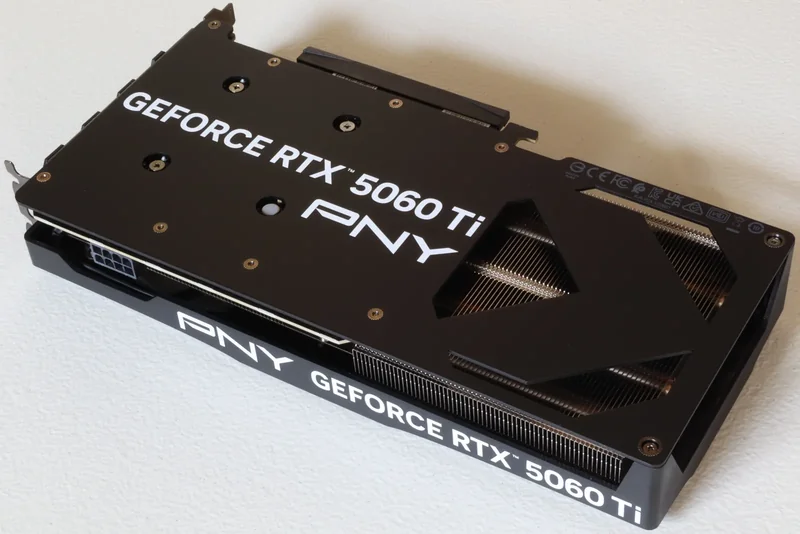
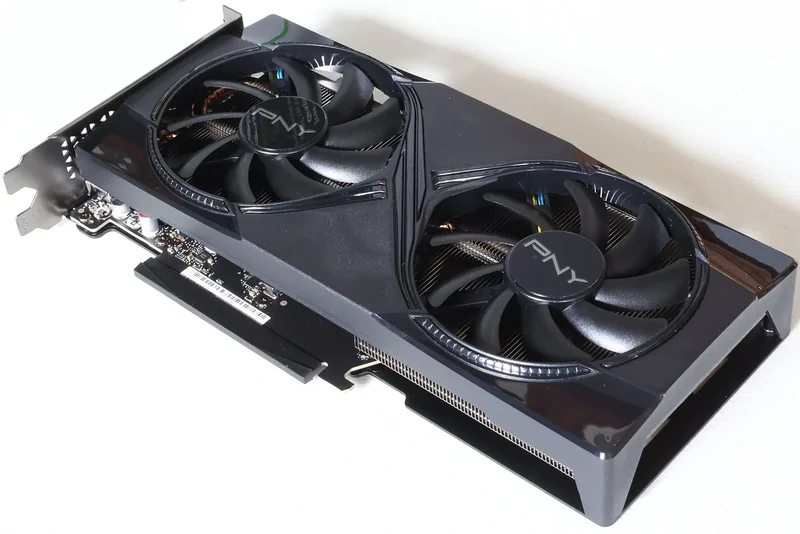
- Mid-range 1440p (~$1,500): the RTX 5060 Ti 16GB build is the current anchor — full parts list, original $1,500 budget target, and 1440p benchmarks.
- High-end 4K (~$2,500): the $2,500 RTX 5080 + 7800X3D 4K build is the flagship — first-party 4K benchmarks, June 2026 prices, and the 7800X3D-vs-9800X3D call.
Gaming PC parts checklist
A complete gaming PC tower needs these part groups:
- Core platform: processor, compatible motherboard, CPU cooler and memory.
- Performance and storage: graphics card plus the drives your games need.
- Power and housing: power supply, case and enough case fans for the chosen parts.
- Full-setup extras: monitor and peripherals belong in the total budget, but they are not tower components.
Build the tower first. Use the component chooser for the order of decisions and the compatibility checks that connect them.
Start with two choices: target resolution and spending ceiling. Then choose the GPU tier. Do that before naming parts. There is no single best gaming PC build for every budget. A fast 4K parts list can waste money on a 1440p monitor, while a value build can miss a workload that needs more processor or memory. The two guides above are worked examples with dated prices. If neither tier fits, use the tools below to make a cheaper, higher-end or custom gaming PC, then verify compatibility instead of copying a list built for someone else’s use case.
DIY, prebuilt and mini gaming PCs
The build guides here are DIY parts lists. A prebuilt or custom-builder PC is a complete seller SKU, so its motherboard, power supply, cooling, warranty and return terms have to be checked together. A graphics-card name alone does not establish the quality of the rest of the machine. This page does not publish a current prebuilt ranking or turn an unverified seller listing into a recommendation.
A mini gaming PC starts with physical limits. Check case volume, graphics-card clearance, cooler height, power-supply format and the parts that can be replaced later. Use the PC Builder with exact component models when the machine is a compact DIY build. The site’s mini-PC guides cover homelab systems, not a measured gaming-product ranking, so they are not substitutes for a gaming test.
The current mid-range guide uses an RTX 5060 Ti 16GB. It is not a base RTX 5060 build, and the suffix must not be dropped. For an RTX 5060 gaming PC, begin a separate parts list with the exact card and target resolution, then check compatibility and current evidence for that card. Check clearance and power for the exact components, then carry the selected list into the budget worksheet. Keep an unknown quote open; only a confirmed reused part costs zero new cash.
Spec your own
Three tools do the math so you don’t have to guess: the PC Builder checks socket, PSU, and case-clearance compatibility as you swap parts; the PSU Wattage Calculator sizes the power supply for your exact components; and the Budget Builder sorts gear by what you can actually spend.
Component pricing moves quickly. Where a price has a dated check or purchase receipt, use that date. A page update can also be a text edit; it does not establish when a price was checked. Older receipts record what those parts cost when they were bought.
Build Guides
Components
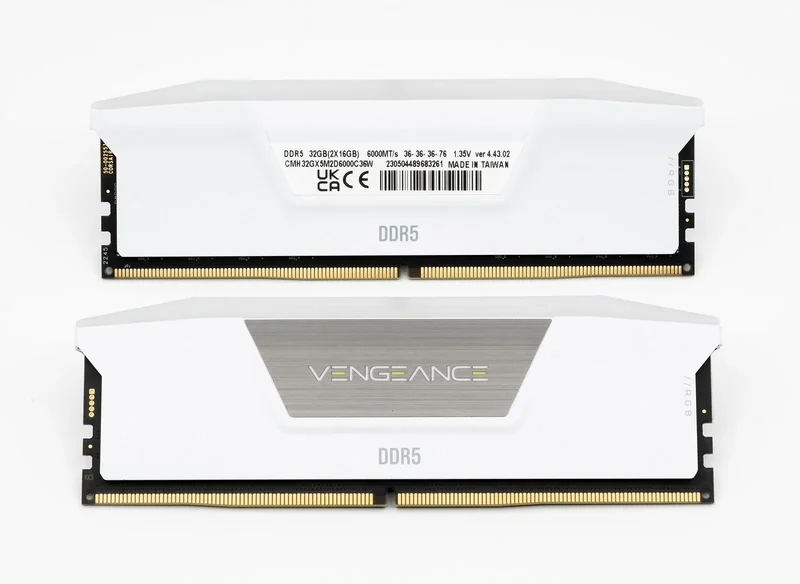 Photo: Jacek Halicki, Wikimedia Commons (CC BY-SA 4.0)
DDR5 RAM Buying Guide (Sep 2026): 32GB DDR5-6000 CL30 Price + Which Kit to Buy
32GB DDR5-6000 CL30 price at Newegg on September 24, 2026: $472.99. CL36 kits from $439.99, 64GB from $939.99. Which kit to buy for gaming, VMs and AM5.
Build guideAORUS FO48U Review (2026): 48-inch 4K OLED Gaming Monitor
AORUS FO48U review: 48-inch 4K 120Hz OLED with DisplayPort 1.4, two HDMI 2.1, and a built-in KVM. First-hand daily-driver take, a stock check, pros and cons.
Build guideGPU Reviews
More from this section
The $2,500 RTX 5080 + 7800X3D 4K Build for 2026
The exact 4K rig I run: Ryzen 7 7800X3D + RTX 5080. First-party 4K benchmarks and 1% lows, June 2026 parts and prices, and whether you really need the 9800X3D.
How to Choose Your PC Build: Which Parts Should You Keep?
Test the game and frame rate you care about, check the exact parts that fit, then price only what you need. Includes measured 1440p and 4K build examples.